


From Mobile (Wynn Slots App)

1. Open the Wynn Slots app.
2. Tap the BUY button at the top of the screen.
3. Select Go To Webstore from the top left.
4. Choose Sign In With Wynn Slots App to access the store.

This method should automatically authenticate your account and allow you to enter the Web Store.
From a Computer / Mobile Browser

1. Visit https://store.wynnslot.com for login.

2. Enter your email on the login page and click "Continue."

        - If your email is linked to your Wynn Slots account or logged in to the           web store before, proceed to Step 4.

        - If not, you’ll be prompted to sign up. Continue to Step 3.

3. On the registration page, enter your Player ID, then click "Sign Up."
4. Check your email for a verification code, enter it, and click "Submit" (you can copy and paste the code)
5. Once verified, click "Enter Store" to access the store.
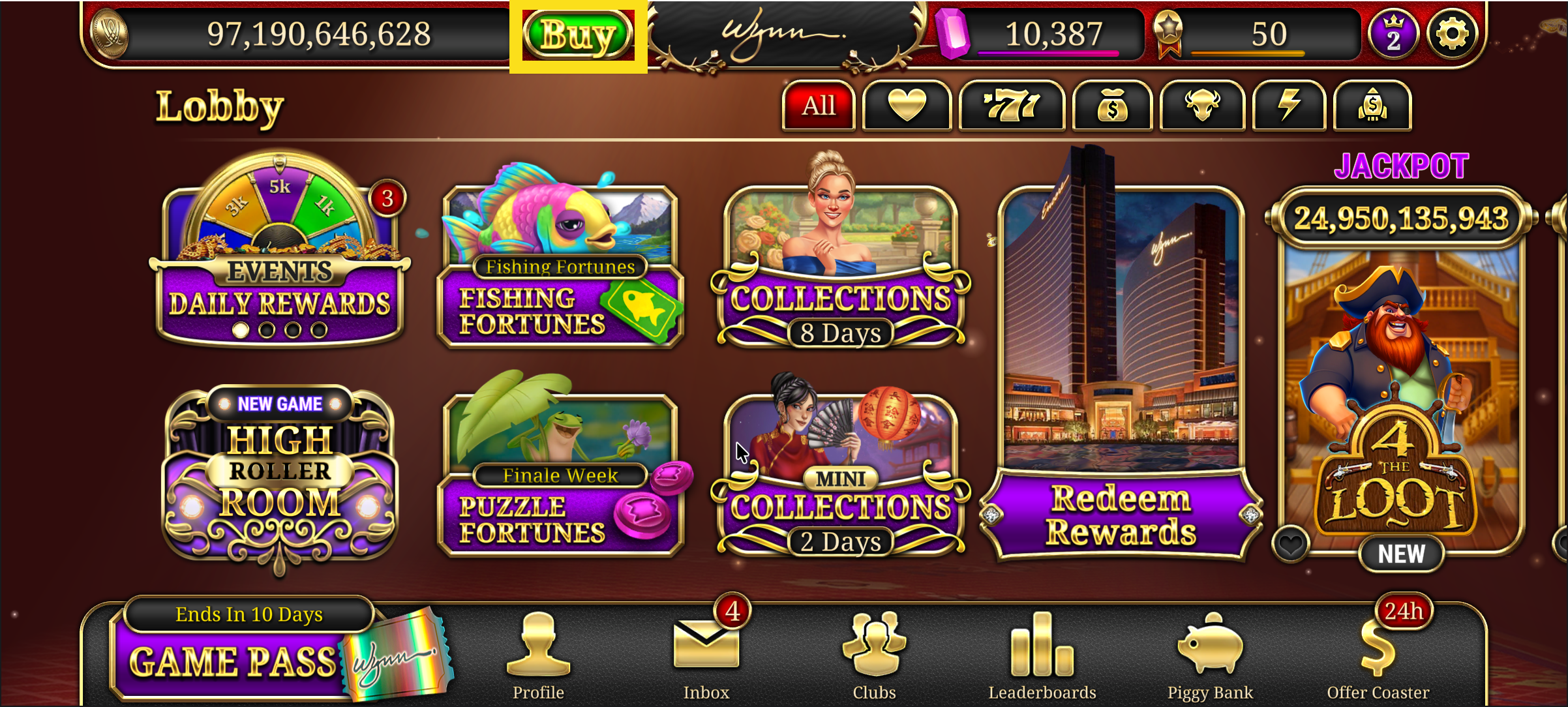
Fig 1: Click on the buy button
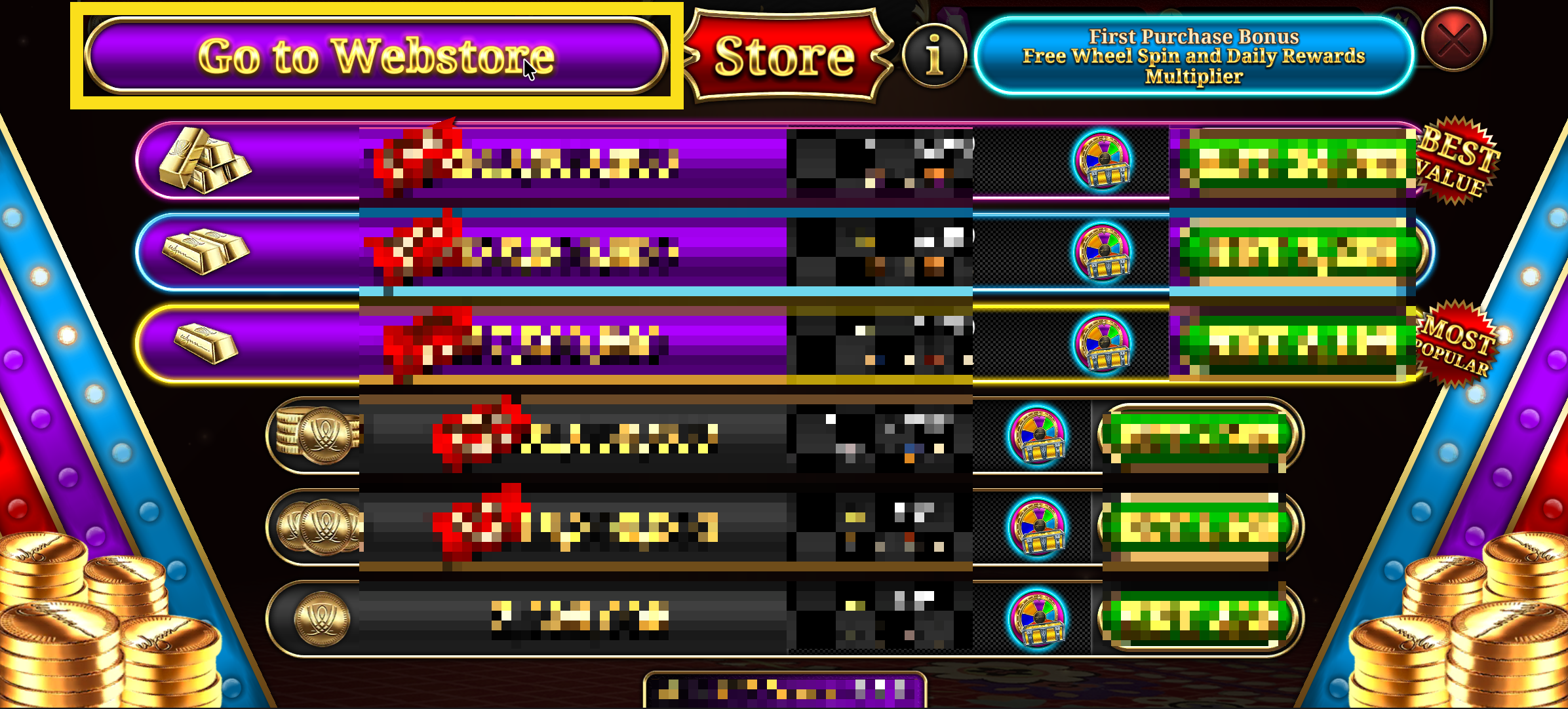
Fig 2: Select Go to Webstore
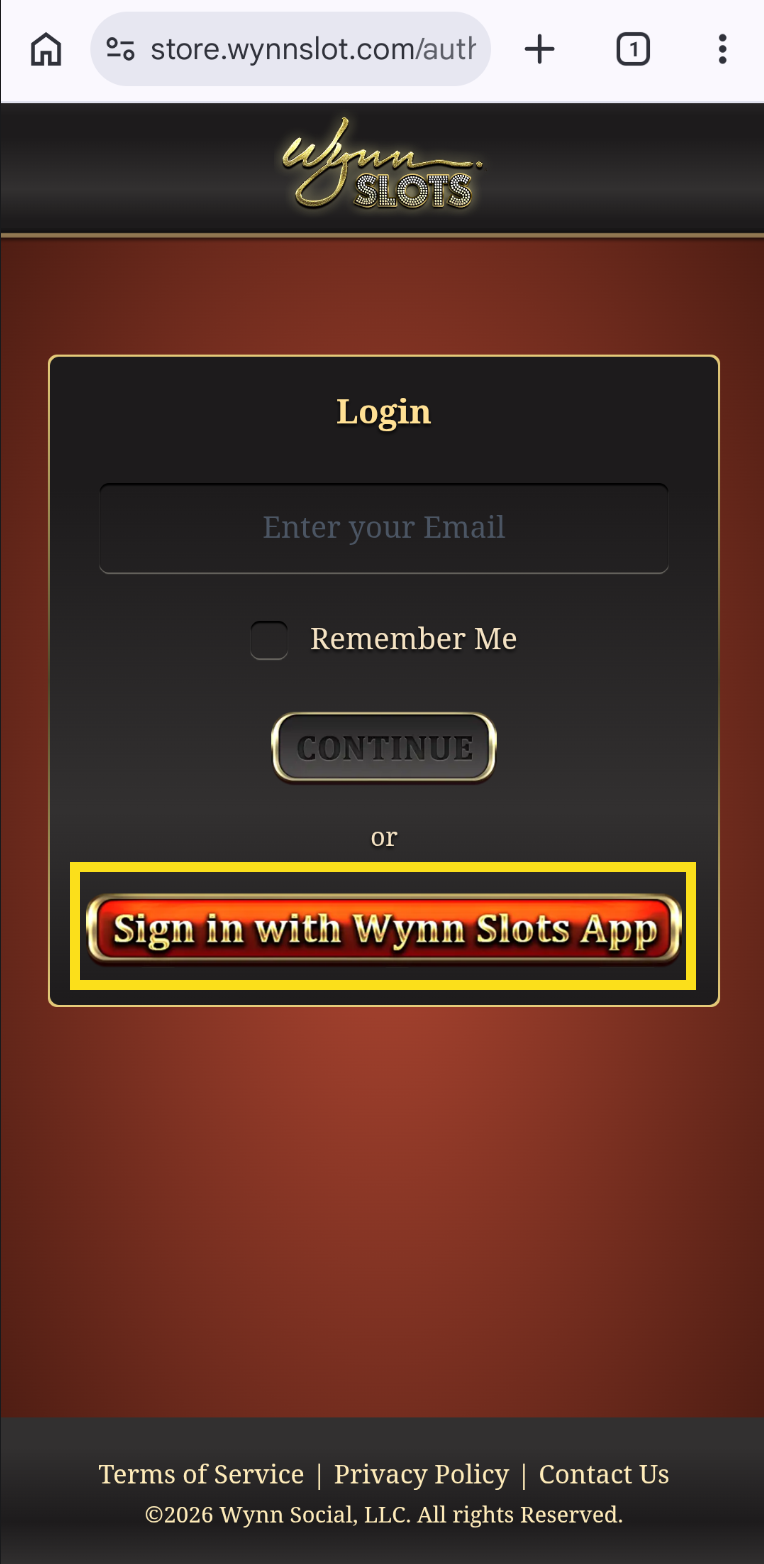
Fig 3: Sign in with Wynn Slots App
Click on the button circled with yellow box to login with auto authentication using mobile device
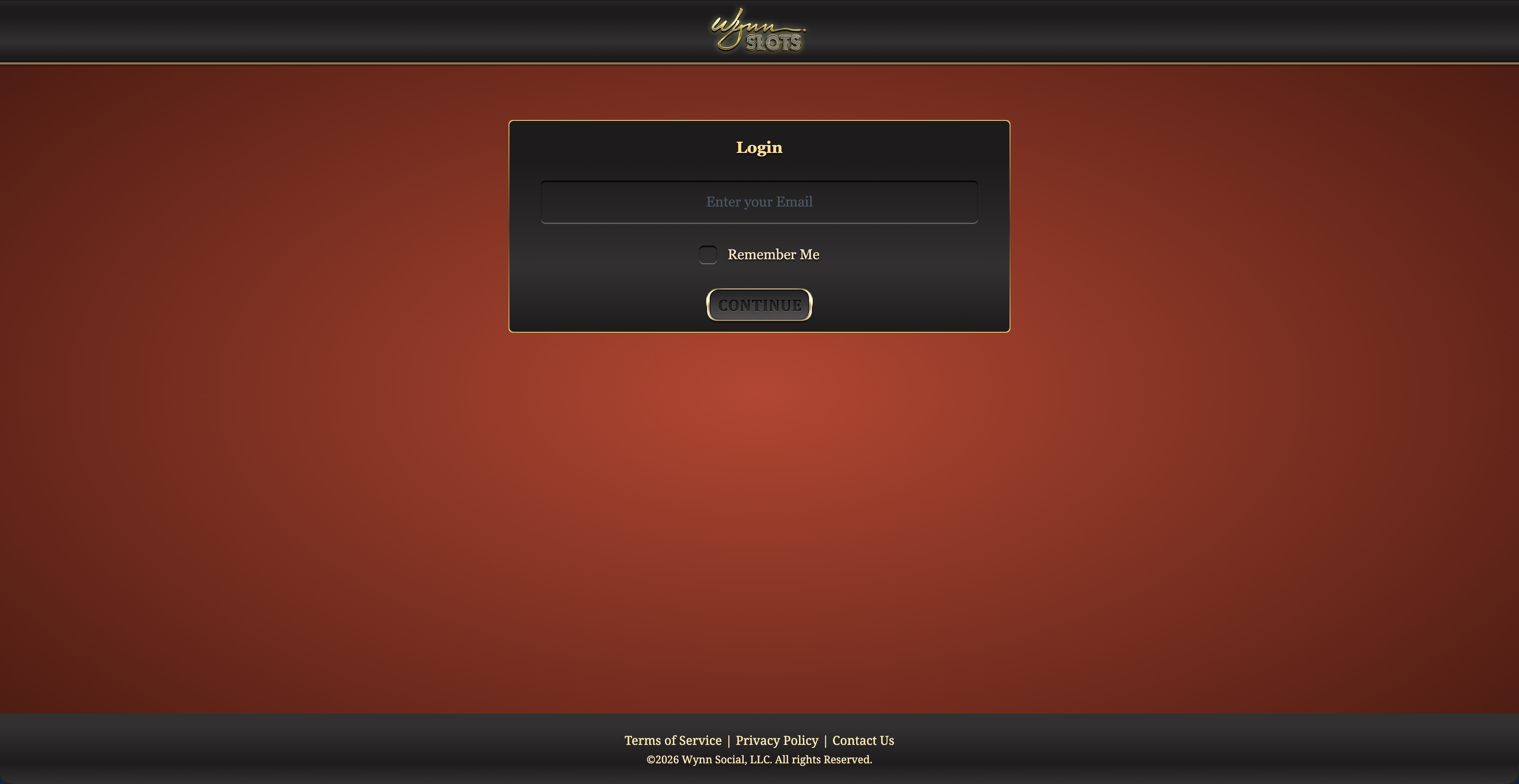
Fig 4: For computer / browser
login using your email address
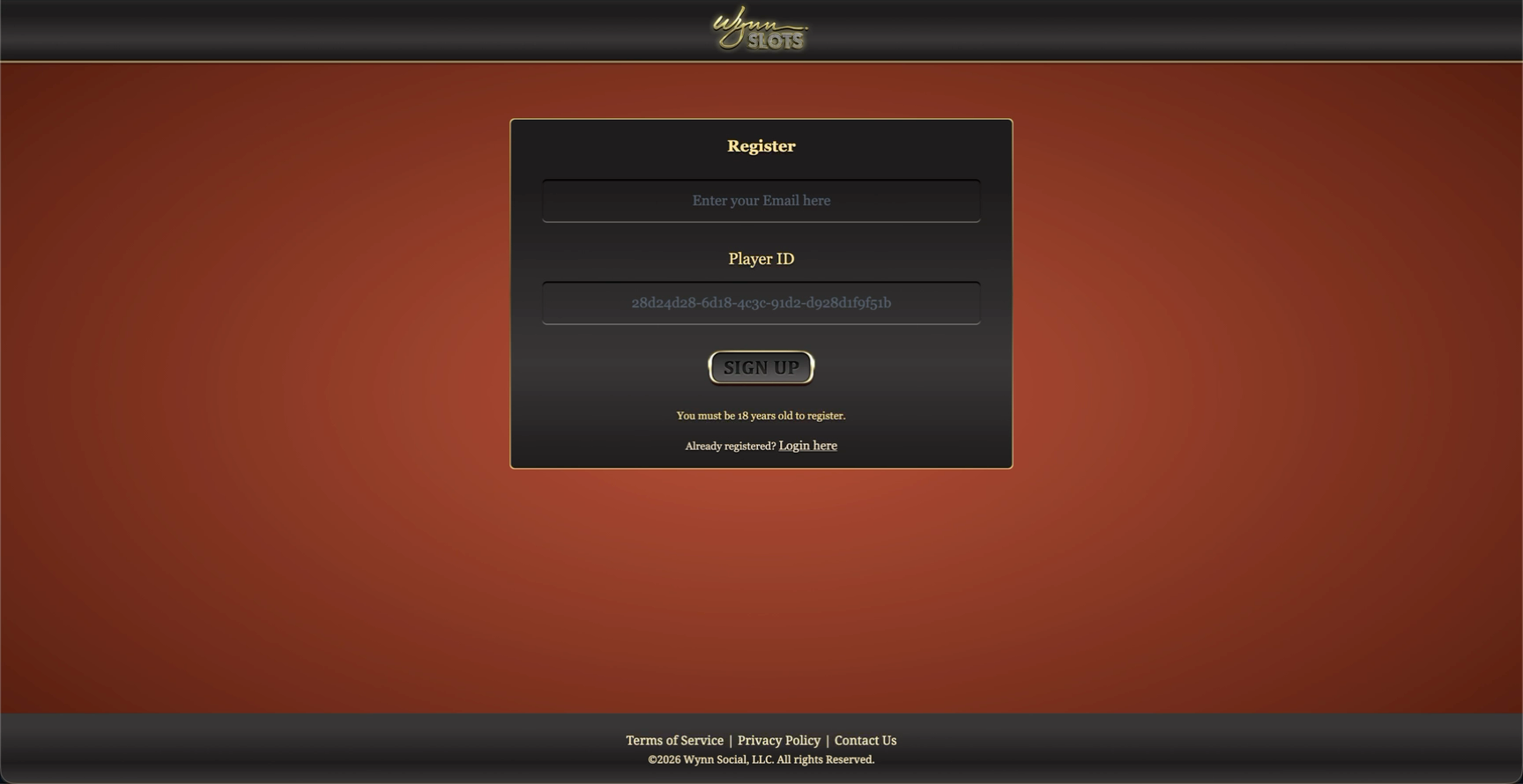 Fig 5: Enter your Player ID (skip this step if the email is already linked to your Wynn Slots account)
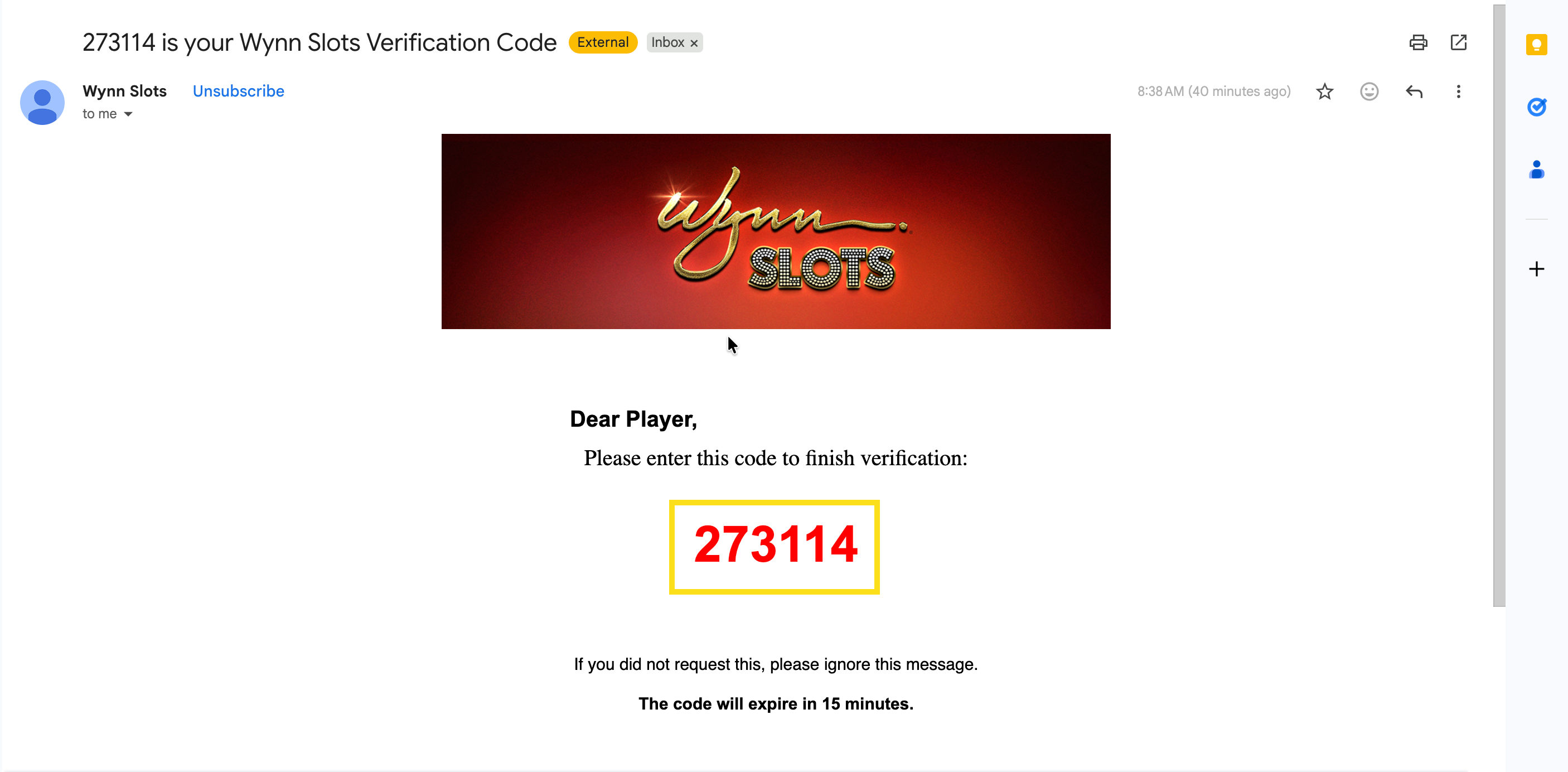
Fig 3: Copy the verification code from your email
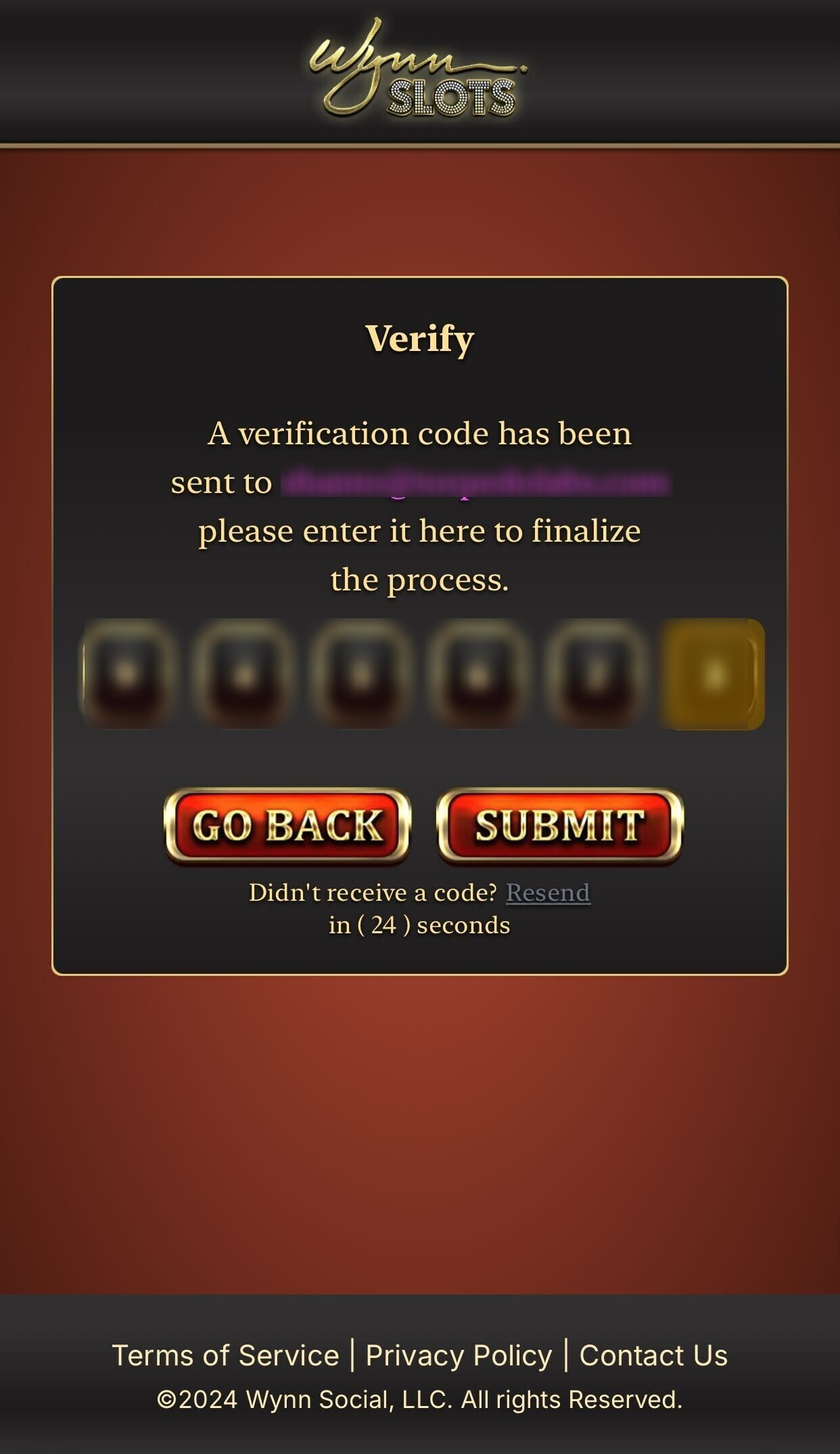
Fig 4: Paste the verification code to finalize the process
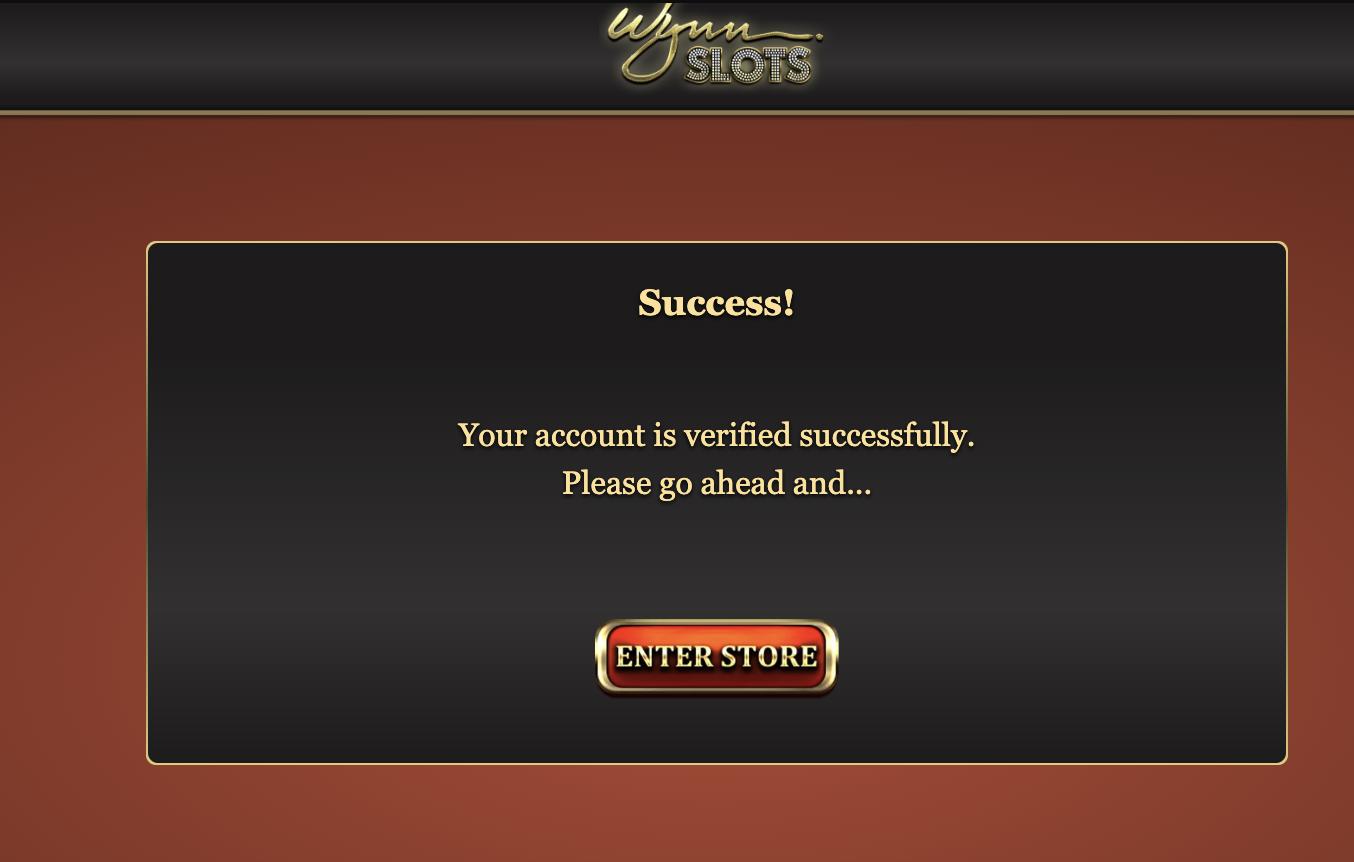
Fig 5: Enter the Store and explore your deals